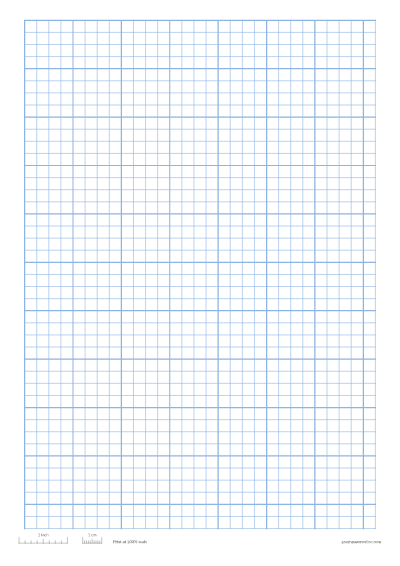
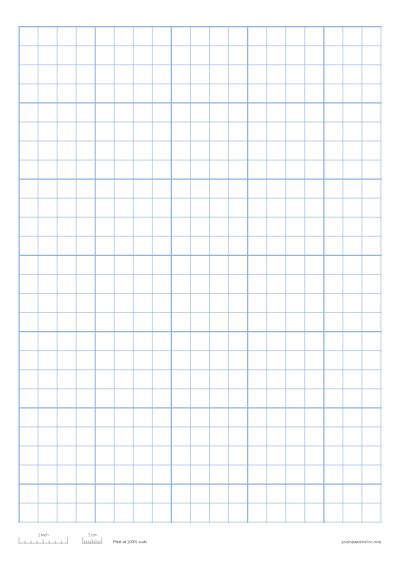


Print graph paper in three steps
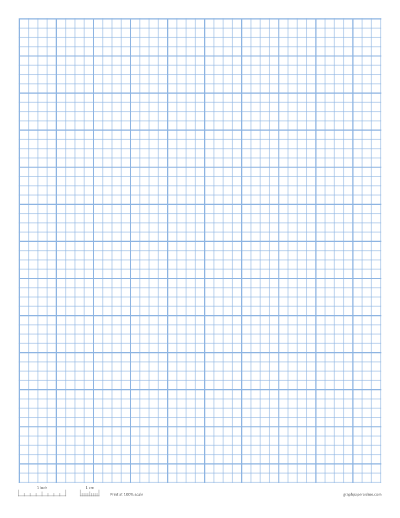
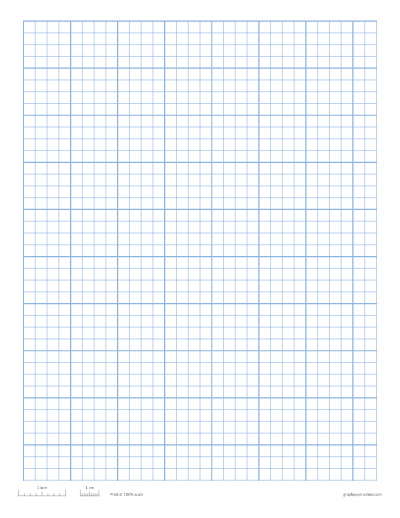
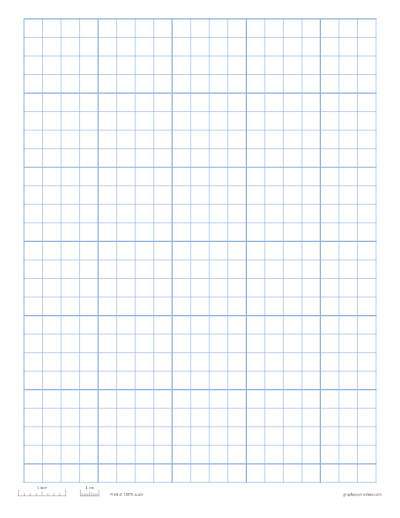
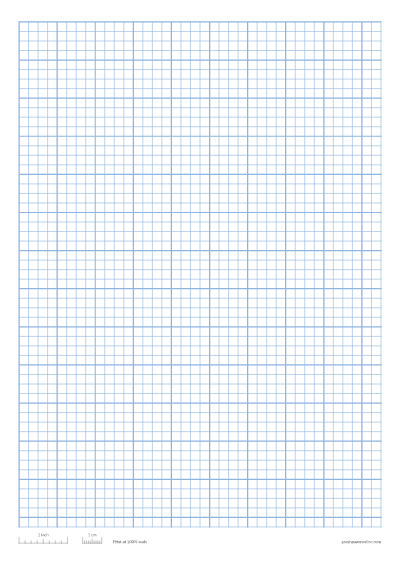
- Choose a grid. Pick ¼ inch, 5 mm, 1 cm, ½ inch or 1 inch squares, or type your own size under More options. Paper comes in Letter, A4, A5, A3, Legal and Tabloid.
- Adjust the sheet. Change the line colour and weight, add a darker line every few squares, or add a name and date line. The preview updates as you go.
- Print or download. Press Print for a sheet right now, or Download PDF to keep a file or print a class set of up to 50 pages (more on the graph paper PDF page). PNG and SVG downloads are there too, for Word, Canva or note apps.
Everything runs in your browser, so there is nothing to install and no account to create.
Which grid size should I use?


If you are not sure, ¼ inch on Letter paper or 5 mm on A4 matches most school graph paper. Need something more specific? Try 1/4 inch graph paper, 1 cm graph paper, 5 mm graph paper, coordinate plane graph paper with numbered axes, polar graph paper or isometric paper for 3D drawing.
Graph paper printable for school, work and hobbies


- Math class: coordinate graphs, functions, geometry, area and perimeter.
- Science: plotting lab results by hand with a clear scale.
- Engineering and design: quick sketches, floor plans and layouts drawn to scale.
- Crafts: knitting, cross-stitch, quilting and pixel art patterns, one square per stitch or block.
- Planning: bullet journals (try dot grid paper), garden beds and furniture layouts.
Why this graph paper prints at the right size
Many free sheets look fine on screen but print a few percent too small, so a “1 cm” square ends up 9.6 mm. Here, every line is placed in real millimetres and inches, and the same drawing is used for the preview, the print and the PDF.
Each sheet also carries a small size check ruler: a 1 inch and a 1 cm mark at the bottom. After printing, lay a ruler on it. If the marks are short, your printer shrank the page. Set the scale to 100% (sometimes called Actual size) instead of “Fit to page” and print again. The printing guide shows the setting in Chrome, Edge, Safari, Firefox and Acrobat.
Letter or A4?
Use Letter (8.5 × 11 in) in the United States, Canada and parts of Latin America. Almost everywhere else uses A4 (210 × 297 mm); see A4 graph paper for metric grids laid out for that size. The page picks the usual size for your region, and you can switch at any time. The squares stay the right size either way; only the number of squares that fit on the page changes.
Frequently asked questions
Is this graph paper really free?
Yes. You can print or download as many sheets as you like, use them in class or at work, and share them. There is no watermark and no sign-up. The only text on the sheet is the size check ruler along the bottom edge, with our web address in small print; untick Size check ruler to remove both.
Can I save my settings?
Your last settings are remembered on this device. The page address also updates as you change them, so you can bookmark an exact sheet or send the link to a colleague.
Can I print a whole class set?
Set Pages in PDF to the number you need, up to 50, and download one PDF. Turn on the name and date line so students can label their work.
Which colour prints best?
Light blue or grey is easy on the eye and keeps your writing in front. Choose black if you will photocopy the sheet, because pale lines can disappear on a copier.